- What metaphor did you pick and why? I picked the road map. I feel like PLPs in their complete form should be just that, a place for kids to get to know themselves, what they are interested in, where they are at and where their interests will bring them. It becomes chance for them to get to know themselves, where they've come from and where they are headed.
- Where are you in terms of PLP work? What have you done so far? Students have posted evidence from the last two units to show where they are at in their proficiency work in science. They also are adding their learning from this energy audit to the PLP.
- Next steps going forward? We need to set more goals, reflect on the goals we've set, revisit where they saw themselves in the beginning of the year. Especially the 8th graders who will be headed out soon to another level and other systems of support.
Showing posts with label iPads. Show all posts
Showing posts with label iPads. Show all posts
Friday, February 5, 2016
PLP Work

Sunday, October 25, 2015

The Middle School Math team is researching Schoology and how we can use it as a platform to organize everything digitally. We would like to use Schoology to organize a variety of activities, lessons, formative and summative assessments. The possibilities are endless and we are only beginning to understand the power of Schoology! We set up our classes, added all of us as administrators- now we are ready to go! This weekend, I was able to upload 2 activities for the students to do during class this week and our Rubrics for the Community Survey Project. I am not quite sure how to grade using the rubric online, but will figure it out! BIG LEARNING CURVE- here we go!!!

Wednesday, September 16, 2015
Successes and Challenges
Success: Students are excited about their iPads. They have played around with apps, taken pictures, and challenged themselves to go beyond their comfort zones. I believe that the students are starting to see that the iPads are tools to support their learning and make it more fun.

Challenge: The main challenge I have encountered is when I am not able to use the technology (as in, the internet isn't working, or a website doesn't work, etc.). I also have a challenge reaching those few students who have a very negative viewpoint of the technology, seemingly coming from their parents. I see this challenge going away once we get all parents on board.

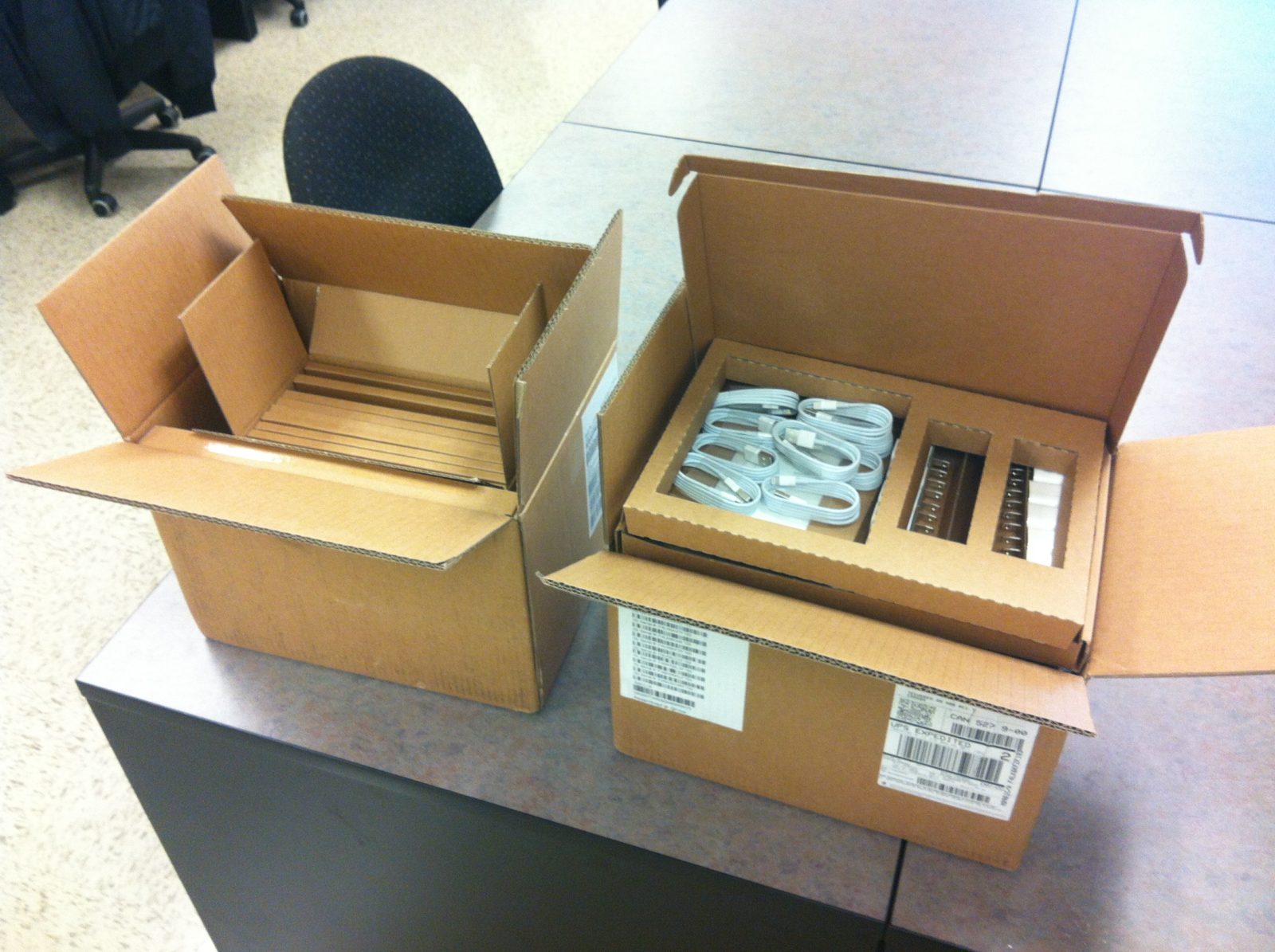
The race track...
Strengths:
- involved, engaged kids
- lots and lots of great conversations
- exciting field trips and speakers
- a whole team of 8-10 teachers colabrating, sharing and planning
Challenging:
- a whole team of 8-10 teachers colabrating, sharing and planning
- the steep learning curve of new endeavors
- the internet going in and out
- staying focused as teachers and students with all of these endeavors
Success and Challenge


>
One Success: I have seen real potential for Nearpod (which I've attempted using frequently) to make segments of direct instruction more interactive and engaging. Definitely better than powerpoint, slides, etc.
One Challenge: At times, technological glitches become a major distraction and technology slows down or even stops learning, rather than enhancing it.

Hazen Middle School Rocks!
The 1 to 1 initiative is in full swing at Hazen. We have been using the iPads to help our learning in all subjects. We have been learning about Digital Citizenship A LOT. The students really enjoyed the APP from Common Sense where it was a choose your own adventure! They made choices and consequences happened based on their choices. The APP is called Digital Compass. Students for the most part made great choices but some chose to go back and see what happened if they made a poor choice. One student was very surprised when, in the story, the police showed up at his door for copyright violation!


We have talked a lot about how we represent ourselves digitally!!!
I also want to say a huge THANK YOU to both teams as I had a rough start to the year. It was super great to have everyone chip in to help when I was out!!
Tuesday, September 1, 2015
Blogging on the iPad
Many of us faced challenges using the iPad to post to this shared blog. Here's some step-by-step instructions from Richard Byrne you can use or share with your students:
A Short Guide to Using Blogger on Your iPad

A Short Guide to Using Blogger on Your iPad
Subscribe to:
Posts (Atom)